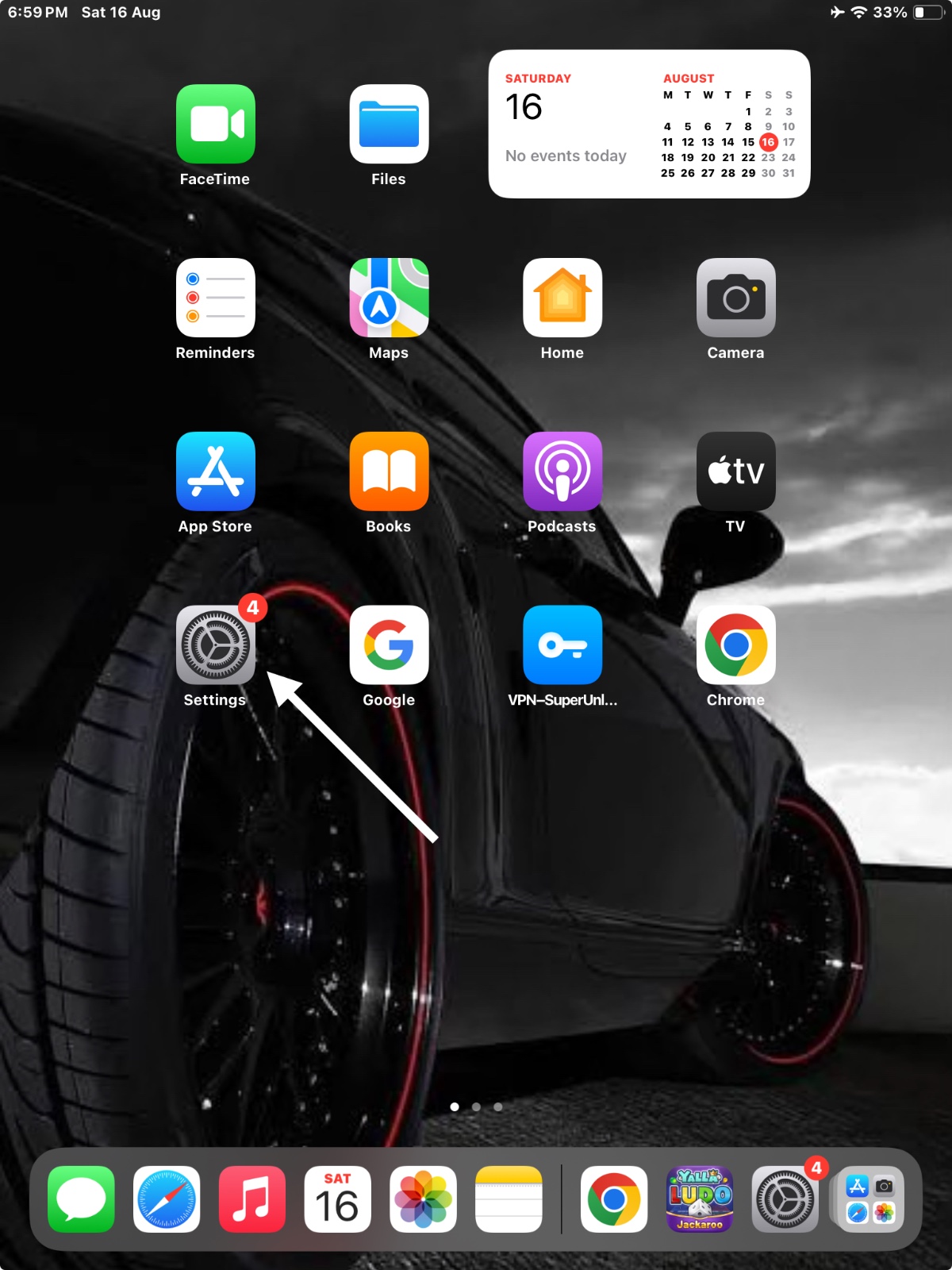
Step 1: Open Settings
On your iPhone, tap on the Settings app.
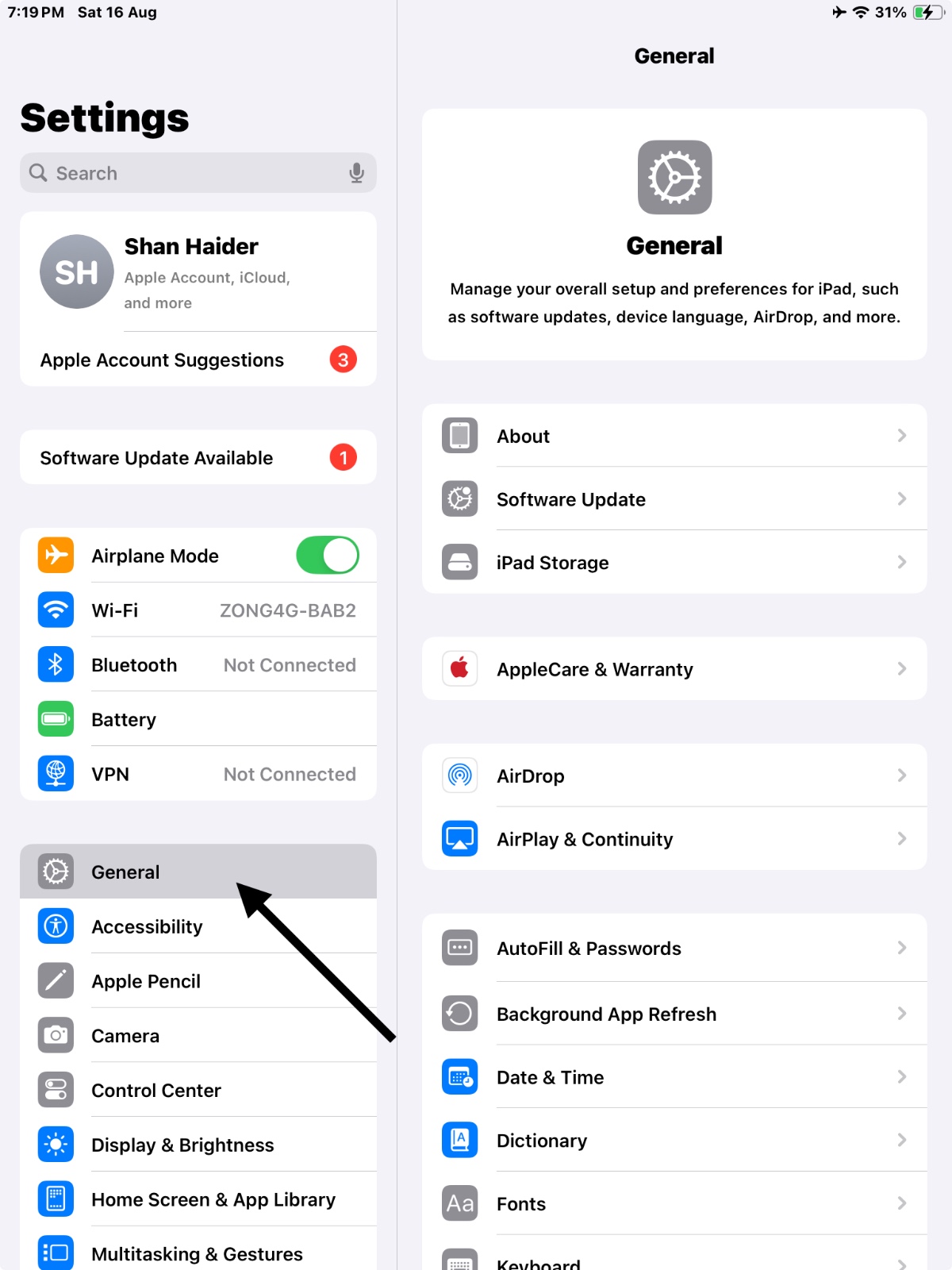
Step 2: Go to General
Scroll down and select General.
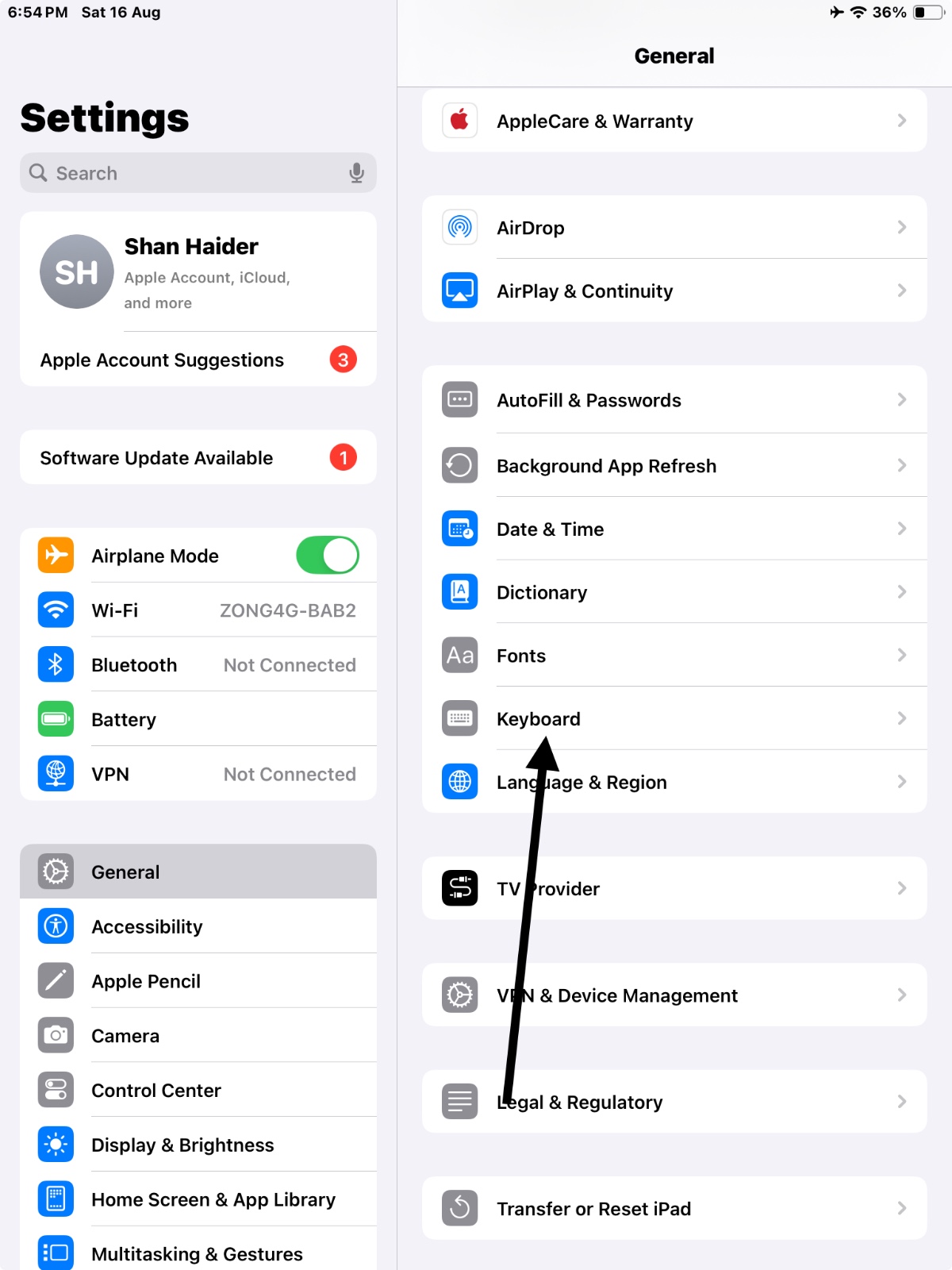
Step 3: Select Keyboard
Tap on Keyboard and then choose Keyboards at the top.
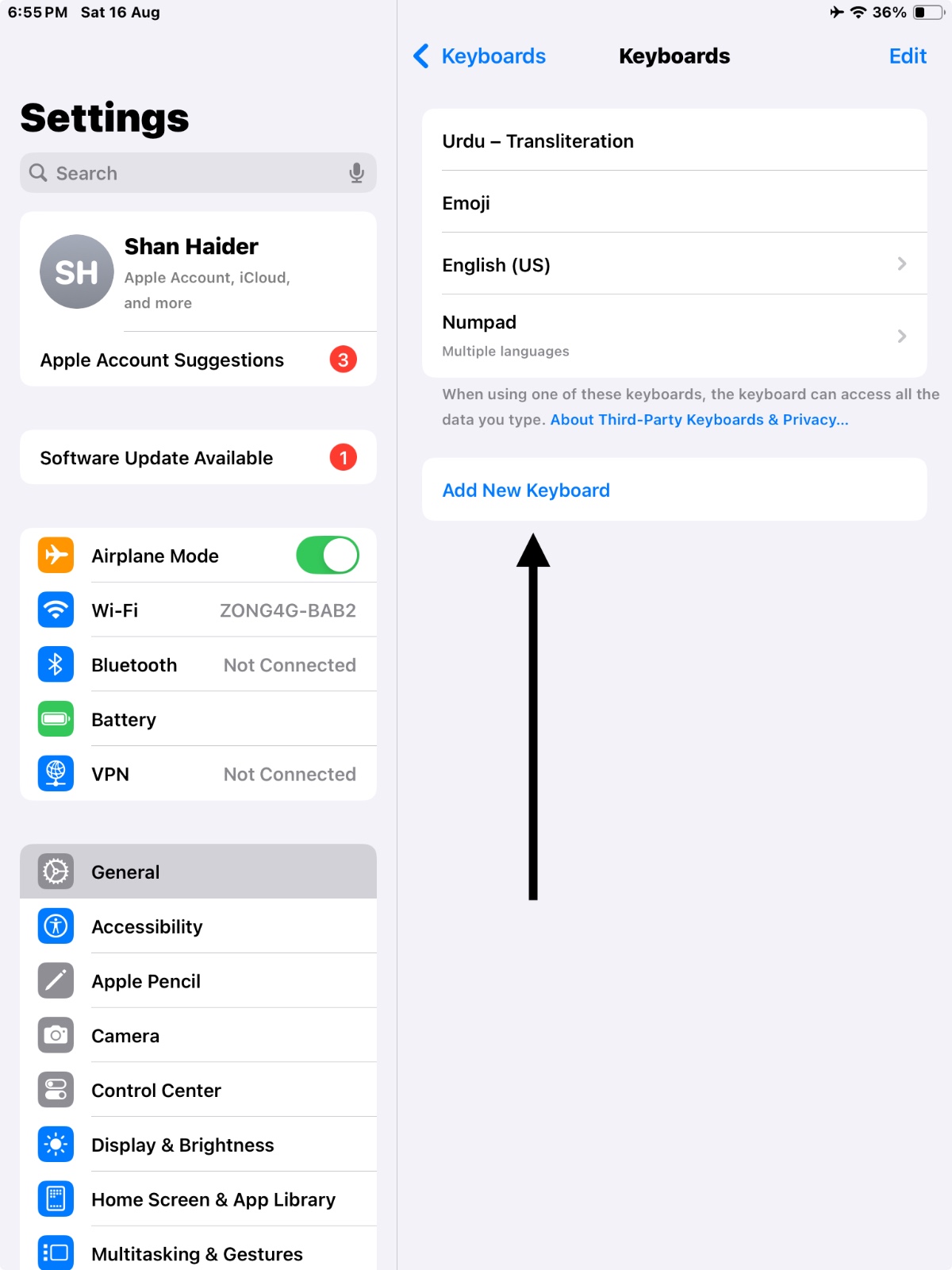
Step 4: Add New Keyboard
Tap on Add New Keyboard....
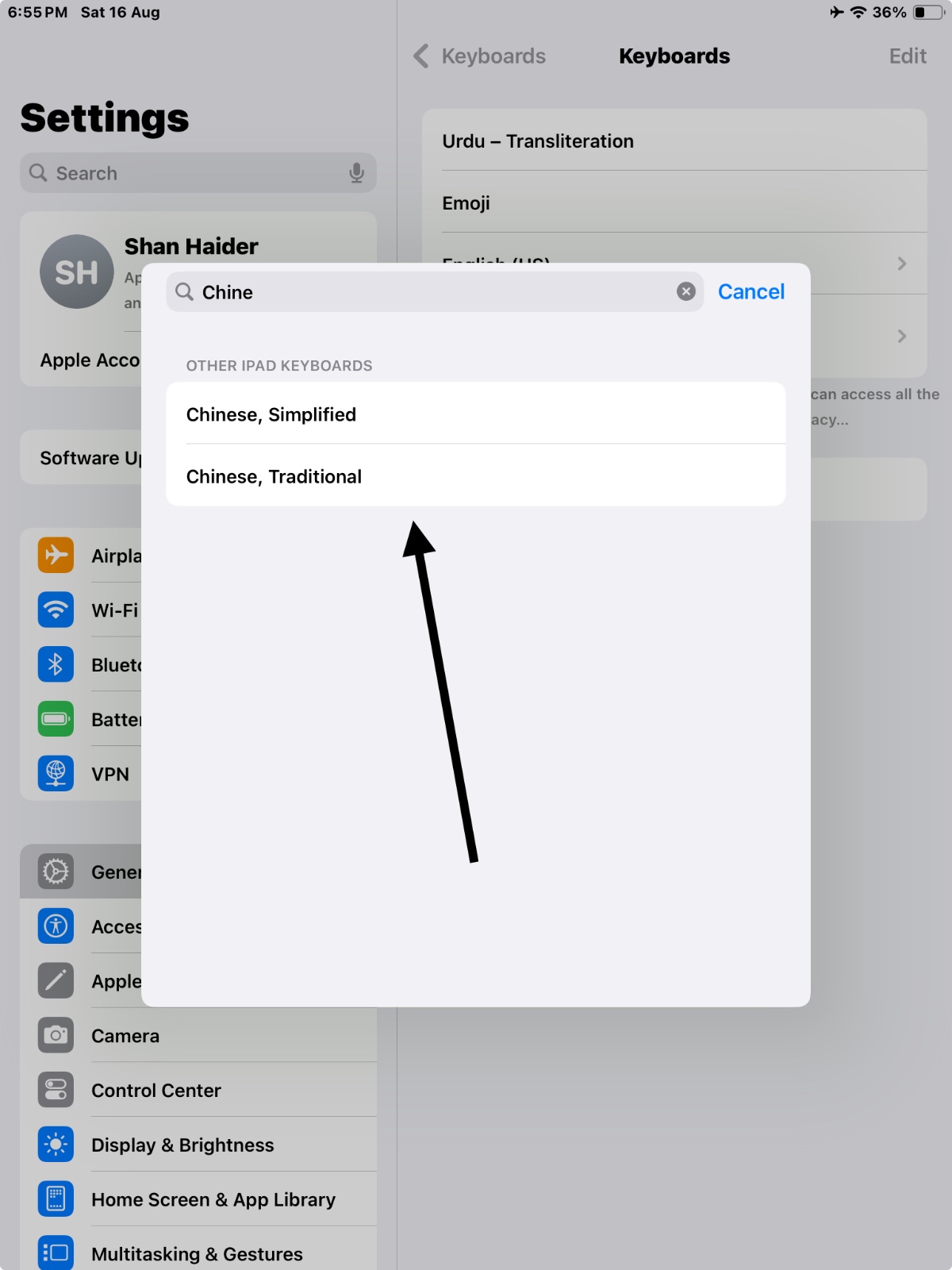
Step 5: Select Chinese (Simplified) or Chinese (Traditional)
Scroll down and choose Chinese (Simplified) or Chinese (Traditional), depending on your preference.
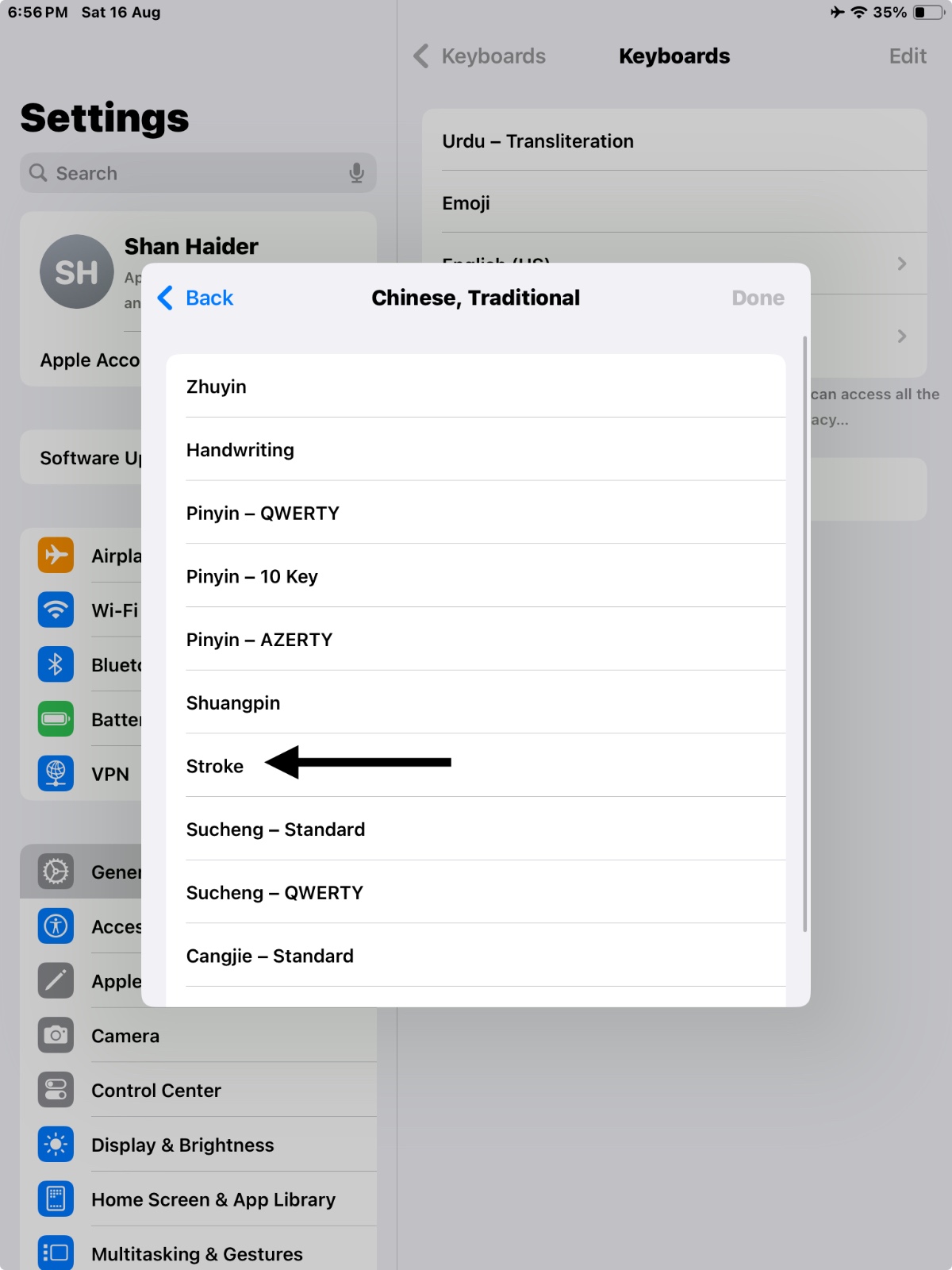
Step 6: Choose Stroke
Select the Stroke keyboard layout from the options provided.
Step 7: Done
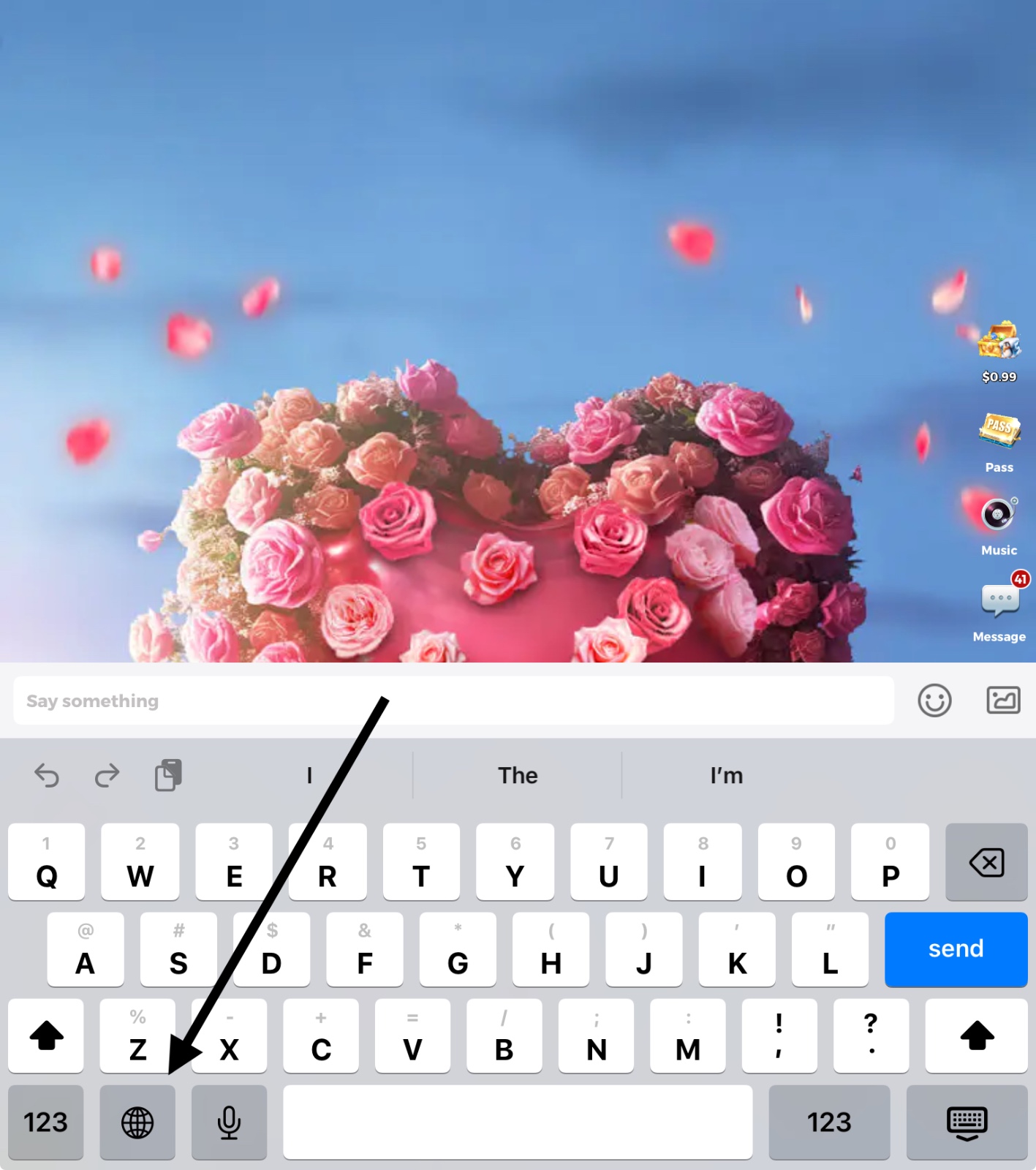
You’ve successfully added the Chinese Stroke keyboard! Now, when typing, tap the globe icon 🌐 to switch to it.